


The fastest way to go from 40 reviews to 400 is to automate review requests so one fires the moment a job is marked complete — while the customer is still standing in a clean kitchen or a cool house. Do that on every job and you stop depending on whoever remembers to ask, which is the real reason most home-service businesses stall out at a couple dozen reviews.
The problem was never that owners don’t know reviews matter. It’s that the ask lives in a human’s memory, and the human is a tech who just finished a hard job and is already thinking about the next one. Take the person out of that loop and the reviews take care of themselves.
Timing is most of the battle
The single biggest lever is when the request goes out. A text sent within a couple of hours of finishing the job converts far better than one sent the next day, because the customer still remembers your tech’s name and still feels the result. Wait until tomorrow and you’re competing with their whole day.
Here’s the cadence that works: send the first request about two hours after the job is marked complete, then send one follow-up at 48 hours to the customers who didn’t respond. One reminder — not three. A second nudge catches the people who meant to and forgot; a third starts to feel like nagging and costs you goodwill you’ll want the next time you’re at their house.
That’s the whole timing rule. Two hours, then once more at 48. Everything else is setup.
The four-step setup
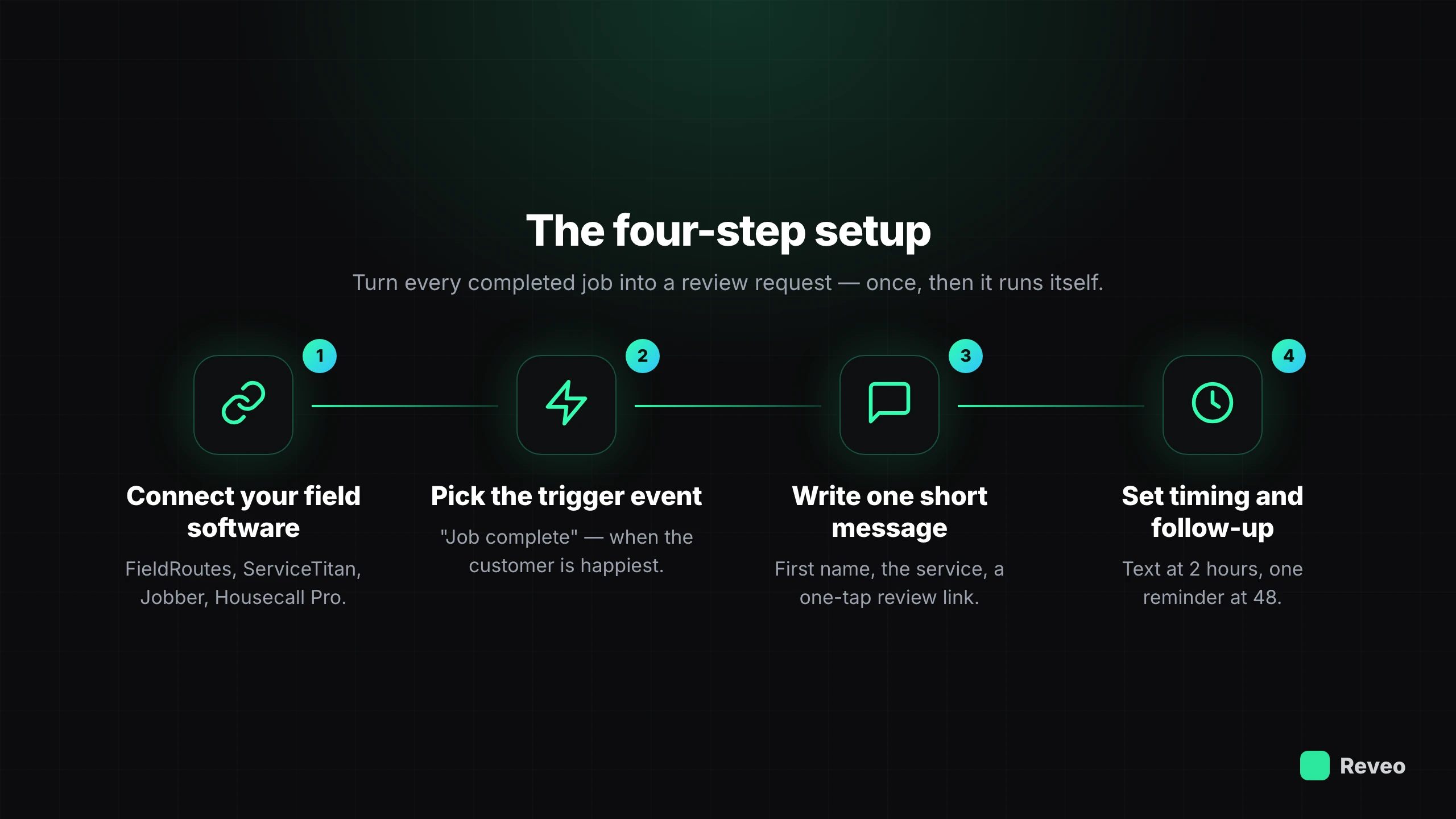
Getting this running takes about half an hour, most of which is deciding on your message wording.
1. Connect your field software. Reveo plugs into the tools you already run jobs through — FieldRoutes, ServiceTitan, Jobber, Housecall Pro — so it knows the second a job closes. The trigger is the completed job, not a manual export or a spreadsheet you remember to upload.
2. Pick the trigger event. “Job complete” is the default and the right one for most home services. Some businesses fire on “invoice paid” instead — fine if payment reliably lands the same day. The rule of thumb: trigger on the moment the customer is happiest and the work is freshest.
3. Write one short message. Two or three sentences, the customer’s first name, the service you did, and a one-tap link. “Hi Dana — thanks for letting us take care of your ant problem today. If you have 20 seconds, a quick Google review really helps us out: [link].” Drop the Google review link straight to the review form, not your profile page — every extra click loses people.
4. Set the timing and the follow-up. Two hours after the trigger, one reminder at 48. If you use email as well as text, lead with the text — that’s the one people actually open — and let email be the backup for the customers who don’t text.
The guardrail that keeps it safe
The one thing you don’t want automation to do is push an unhappy customer straight to a public one-star. Route feedback through a private path first: an automated flow can ask how the job went, send the happy customers to your public profile, and send the unhappy ones to a private form that reaches you directly. You get the chance to make it right before it’s on Google — and you learn about the problem the same day instead of reading about it in a review a week later. If a bad one still lands, here’s how we respond to reviews so the reply works for you.
What a good conversion rate actually looks like
Automation isn’t magic; it’s consistency at scale. Across Reveo customers, automated post-job requests convert at about 10% into a published review. That number sounds modest until you do the arithmetic against volume: a company running 100 jobs a month that was collecting almost nothing now adds several reviews every month, forever, with no one lifting a finger. The businesses with a thousand reviews didn’t ask better — they asked every time, and let a small conversion rate run against a large, steady stream of jobs.
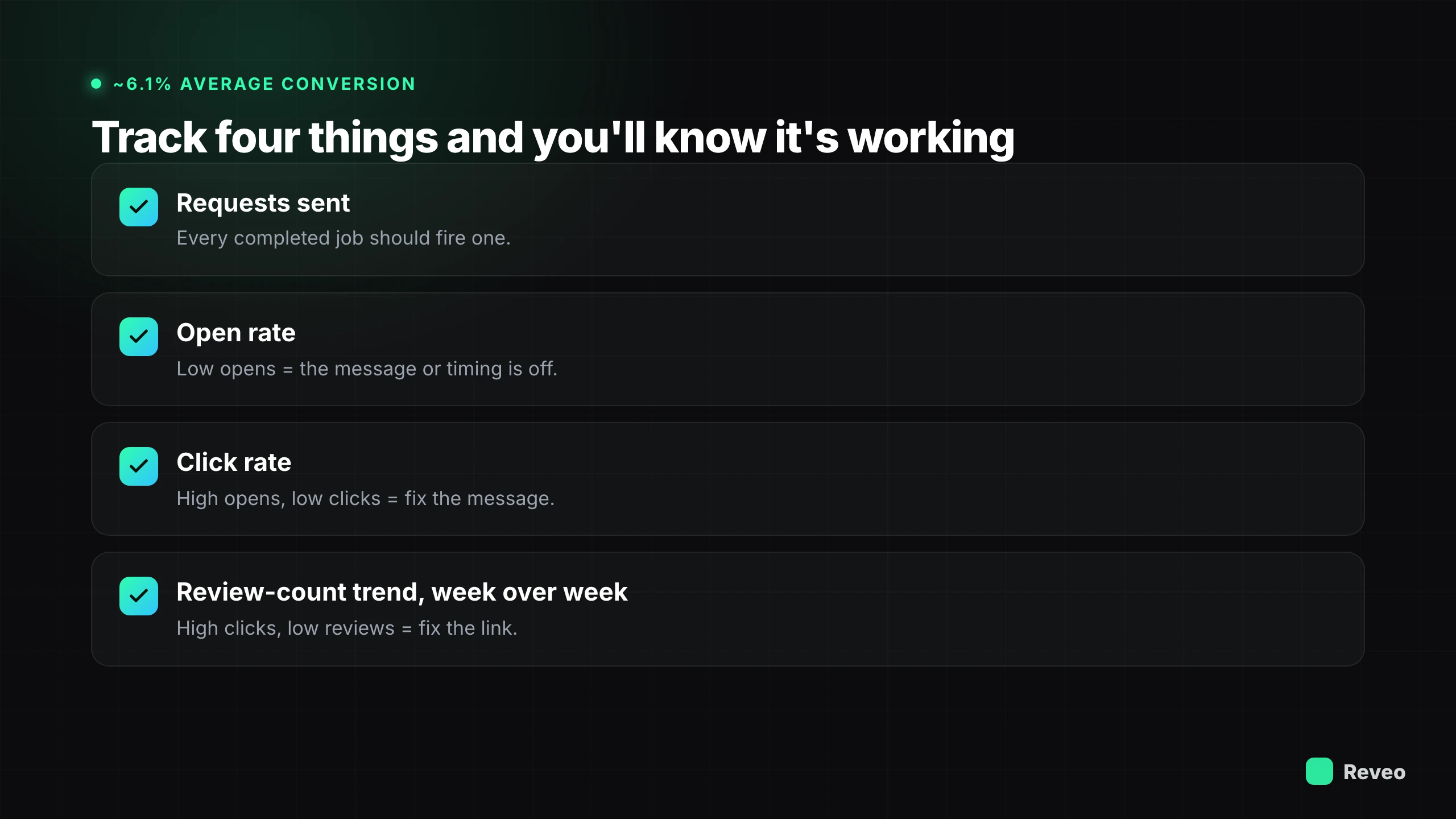
Track four things and you’ll know it’s working: how many requests went out, what percentage got opened, what percentage clicked the link, and your review count trend week over week. If opens are high but clicks are low, your message is the problem. If clicks are high but reviews are low, your link is pointing at the wrong place.
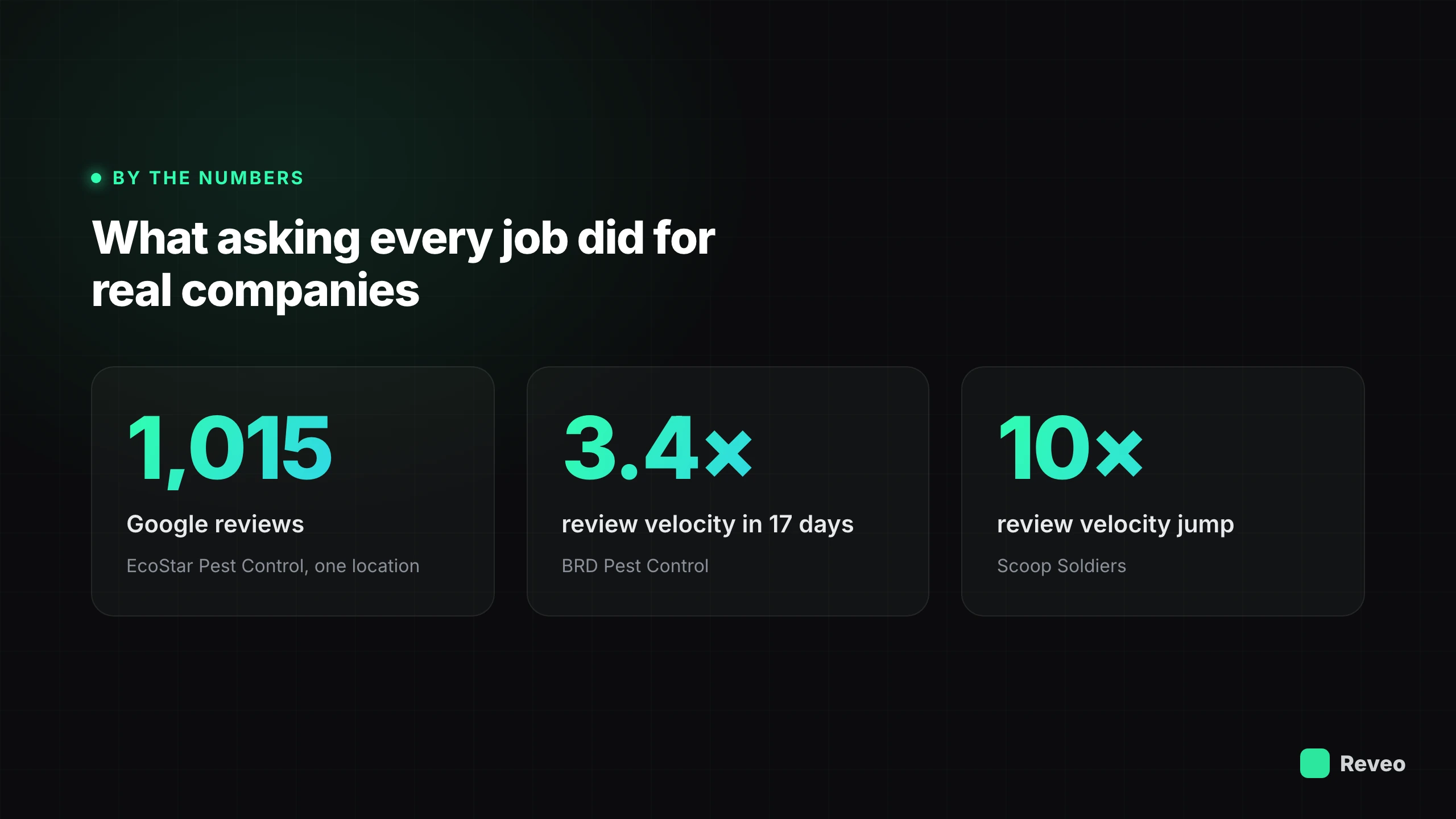
What asking every job did for real companies
This isn’t theory. The companies that automated the ask are the ones with review counts that look impossible:
- EcoStar Pest Control built 1,015 Google reviews from a single location — density you normally only see from a regional chain. Owner Pete Updike will tell you most pest companies in his market sit between 50 and 200, which is exactly why customers click EcoStar first.
- Romney Pest Control built 2,337 reviews, and when Greg Romney sold the company, that review density moved the valuation. Reviews showed up on the balance sheet.
- BRD Pest Control gained 3.4× review velocity in its first 17 days on Reveo — same crews, same job volume, just the ask made automatic.
- Scoop Soldiers, a pet-waste franchise, saw its review velocity jump roughly 10× once every completed visit triggered a request instead of relying on the team to remember.
None of that came from an ad budget or a clever campaign. It came from wiring the ask to the completed job and letting it run.
Start this week
You don’t need a project plan. Connect your field software, write one short message, set the request to fire two hours after job complete with a single 48-hour follow-up, and turn on the private-feedback guardrail. That’s it — the reviews start accumulating on their own, and your rating and local ranking move with them. Once requests are going out consistently, the next thing to set up is monitoring the reviews that come back — for the broader picture of how this fits with responding and listings, the review management guide covers the full system.
Want to see where you stand before you turn anything on? Run a free reputation scan for a two-minute snapshot of your current reviews, rating, and where you’re leaving requests on the table.