


Introduction
Getting more Google reviews is one of the fastest ways to improve your local search rankings and win customer trust. For home service businesses, a consistent review strategy can mean the difference between being overlooked or being the first call a homeowner makes.
Yet most businesses don’t have a system. They rely on hoping customers leave reviews on their own — and that rarely works. Homeowners are busy. Even when they had a great experience, the thought of navigating to Google, finding your business, and writing something thoughtful feels like a chore.
This guide gives you a proven, repeatable process to generate 5-star Google reviews consistently. Whether you run a plumbing company, HVAC business, pest control operation, or lawn care service — these strategies work across every home service vertical.
5-10%
of customers leave reviews without being asked
ReviewTrackers
Industry Average
Read the Complete Review Management Guide →
Google Search — Business with Many Reviews vs Few Reviews
Make Review Requests Easy and Timely
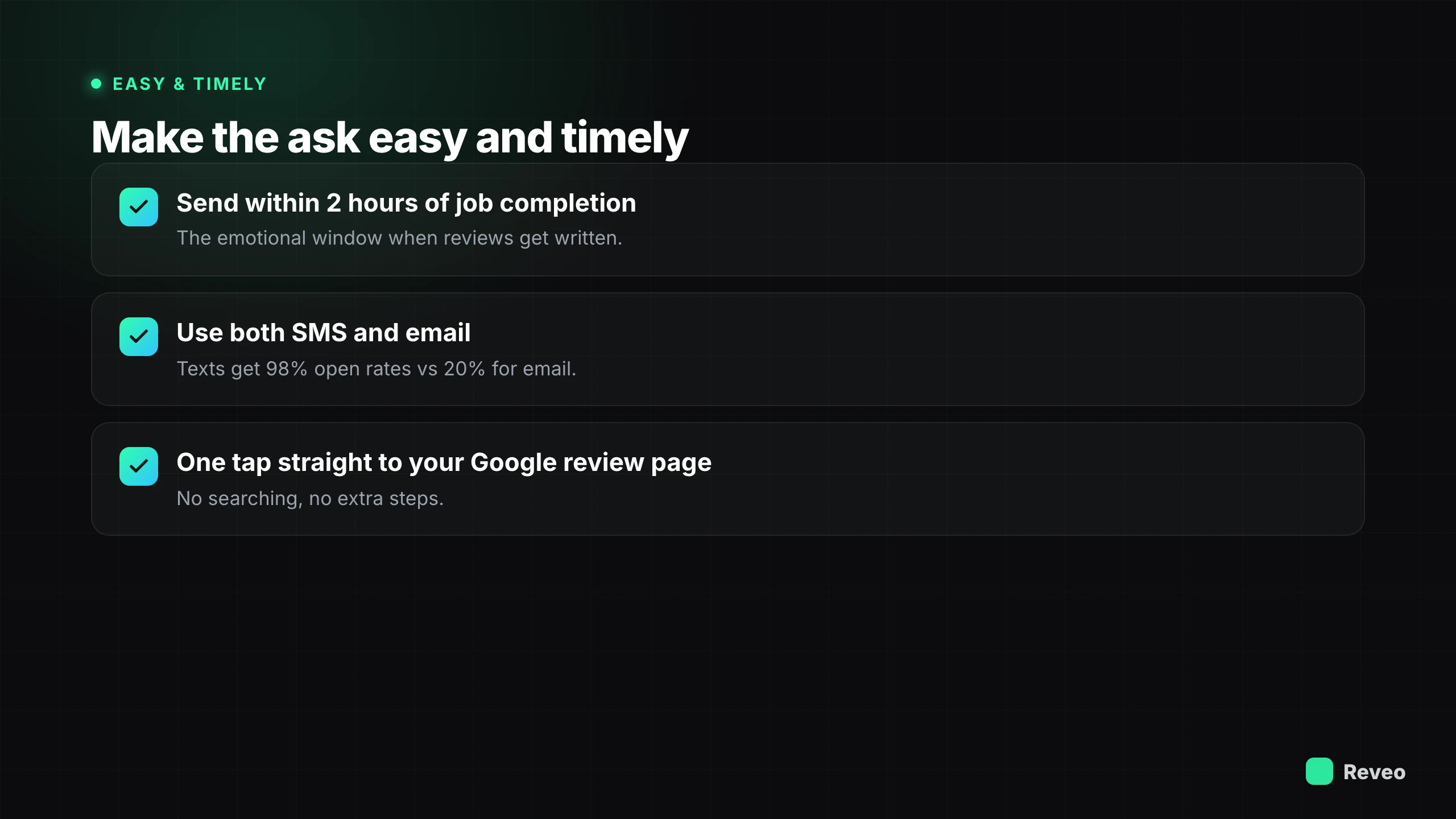
Timing is everything. The best time to ask for a review is immediately after service — when the customer is happiest and the experience is freshest. Wait a week and response rates drop by 60%. The customer has moved on, the details have faded, and the motivation to share their experience has evaporated.
Send immediately after service — Within 2 hours of job completion. Reveo triggers this automatically when your field service software marks a job done. The customer still remembers your technician’s name, the quality of the work, and how the experience made them feel. That emotional window is when reviews get written.
Use SMS and email — Give customers their preferred channel. Text messages get 98% open rates vs 20% for email — use both for maximum coverage. Some customers prefer the immediacy of a text; others like having an email they can come back to. Sending both ensures you reach everyone.
One-click to Google — The review request should take the customer directly to your Google review page. No searching, no extra steps. One tap = review started. Reveo generates a direct Google review link unique to your business so customers land exactly where they need to be.
The fewer steps between “request sent” and “review posted,” the higher your conversion rate. Every extra click loses customers. The best review funnels feel effortless — the customer taps a link, sees the Google review box, and writes what comes to mind.
Boosting Local SEO with Google Business Profile Optimization →
Flow — Service Complete → Automated Request → Customer Leaves Review
Personalize Requests to Increase Response Rate
Generic “Please leave us a review” messages get ignored. Personalized requests that reference the customer’s name, the specific service, and a detail from the interaction feel genuine — and get 2-3x more responses. People respond to messages that feel like they were written for them, not blasted to a list.
Address customers by name — “Hi Sarah” beats “Dear valued customer” every time. Using a first name immediately signals that this message is for them specifically, not a mass blast. It increases open rates and makes the request feel like a personal favor, not a corporate ask.
Mention the specific service — “We hope your AC is running great!” shows you remember them. Referencing the actual work performed reminds customers of the value they received and gives them a natural starting point for what to write in their review.
Reference a detail — “It was great meeting your dog Rex during the appointment.” Small details make messages feel human. When a customer reads something only someone who was actually there would know, trust goes up and they’re far more likely to reciprocate with a thoughtful review.
Personalized SMS Review Request on Mobile Phone
Automate the Entire Process
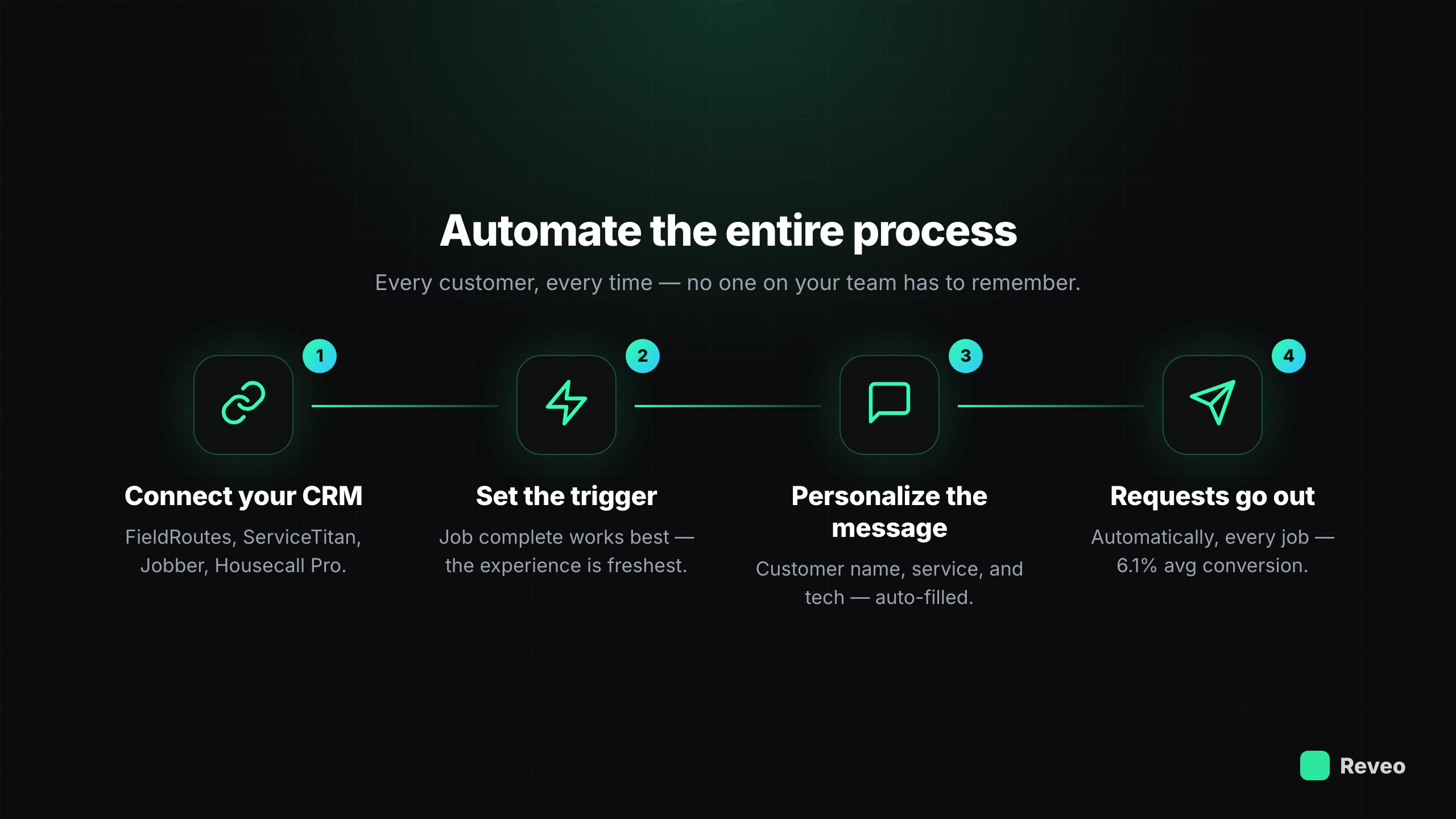
The businesses that generate the most reviews aren’t doing it manually. They’ve connected their field service software to an automation tool that handles every step — from trigger to delivery to follow-up. Manual processes break down the moment your team gets busy, and in home services, your team is always busy.
1
Connect your CRM — Link FieldRoutes, ServiceTitan, Jobber, or Housecall Pro to Reveo. The integration pulls customer data, job details, and completion status automatically so you never have to enter information twice.
2
Set your trigger — Job complete, invoice sent, or payment received. Choose the moment that makes the most sense for your workflow. Most businesses find that “job complete” yields the best results since the experience is freshest.
3
Customize your message — Personalized template with customer name, service type, and tech name. Reveo’s template engine supports dynamic variables so every message feels handwritten, even though it’s fully automated.
4
Review requests go out automatically — Every customer, every time, no manual work. Your office staff doesn’t need to remember, your techs don’t need to ask awkwardly, and no customer slips through the cracks.
Pro tip: Reveo customers see an average ~10% review conversion rate on automated requests — meaning for every 100 jobs, you’re getting 10+ new reviews without lifting a finger.
See how Reveo automates review requests →
Reveo Automation Setup — CRM Connection + Message Template
Avoid Common Mistakes
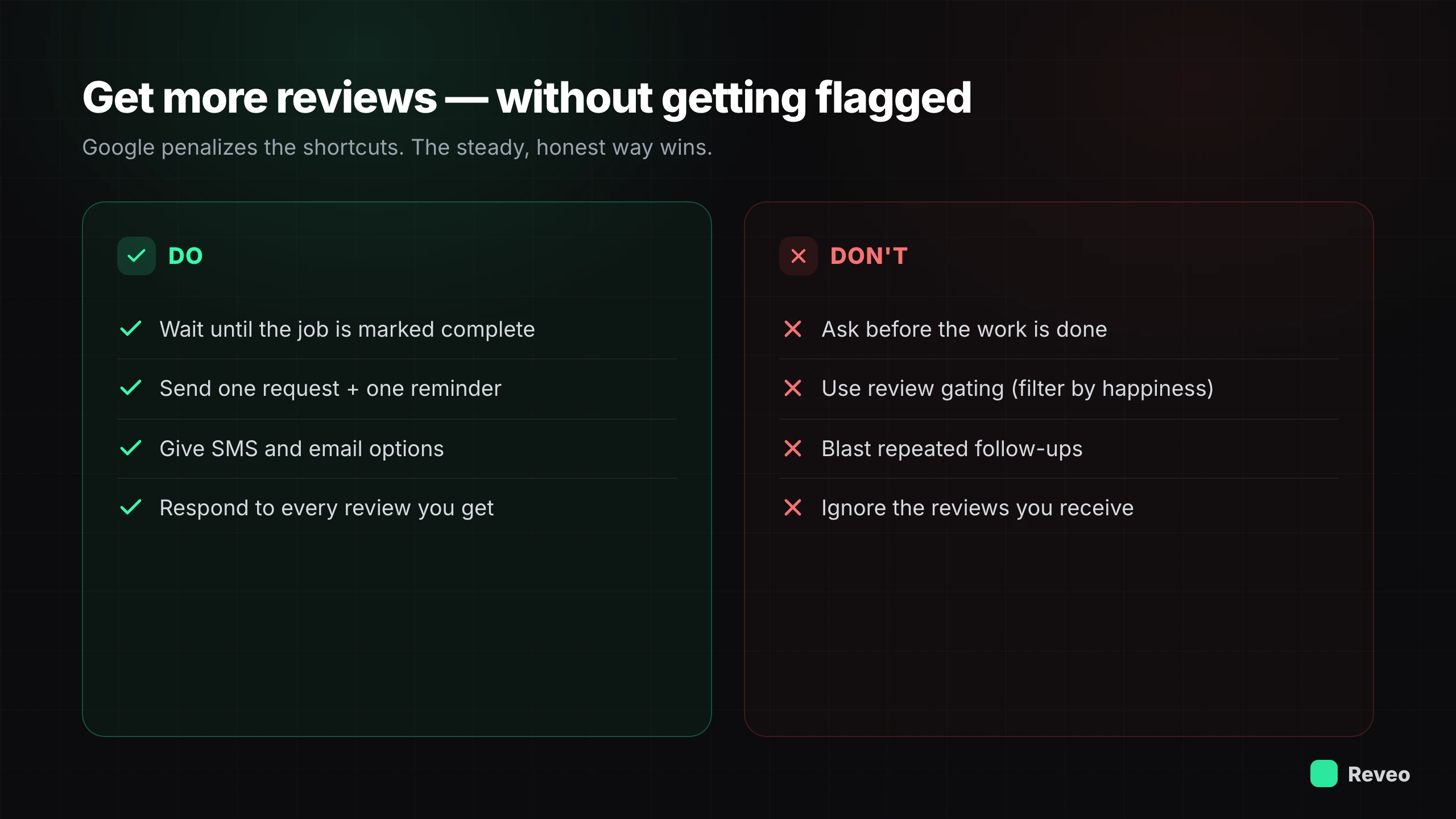
Even businesses with good intentions can sabotage their review strategy with avoidable errors. Here are the most common mistakes we see — and how to steer clear of them.
-
Don’t ask too early — Requesting a review before the job is done feels pushy and gets ignored. Customers need to experience the completed work before they can honestly evaluate it. Wait until the job is marked complete and the customer has had a moment to appreciate the result.
-
Don’t use review gating — Filtering customers before sending them to Google is prohibited by Google’s policies. You cannot ask “How was your experience?” and only send happy customers to Google while routing unhappy ones elsewhere. This violates Google’s terms and can result in penalties.
-
Don’t send too many follow-ups — One request + one reminder is enough. More than that causes review fatigue and can annoy customers to the point where they leave a negative review out of frustration. Respect your customers’ time and inbox.
-
Don’t ignore the reviews you get — Failing to respond to reviews (especially negative ones) signals neglect to both Google and future customers. Every review deserves a response. It shows you’re listening, you care, and you’re committed to delivering great service.
Conclusion & Next Steps
Generating 5-star Google reviews is less about luck and more about having the right process. Automating review requests, sending them at the right time, and personalizing them for each customer can drastically improve both quantity and quality of reviews.
The businesses that dominate local search in 2026 aren’t necessarily the biggest or the cheapest — they’re the ones with the most consistent, authentic review presence. And that starts with a system.
Your next steps:
- Set up automated review requests with Reveo
- Personalize your review request templates
- Send your first batch within 24 hours
- Set up alerts so you see every new review the day it lands
- Respond to every review that comes in
- Track your review conversion rate monthly
Free tools to start with: an AI-written request template tuned to your industry, a one-tap Google review link, and the free Google Review Guide if you want the full playbook as a download.
Start Generating More 5-Star Reviews
Automate your review requests in 30 minutes. No credit card required.