
7 Review Request Email Templates for Home Services | Reveo

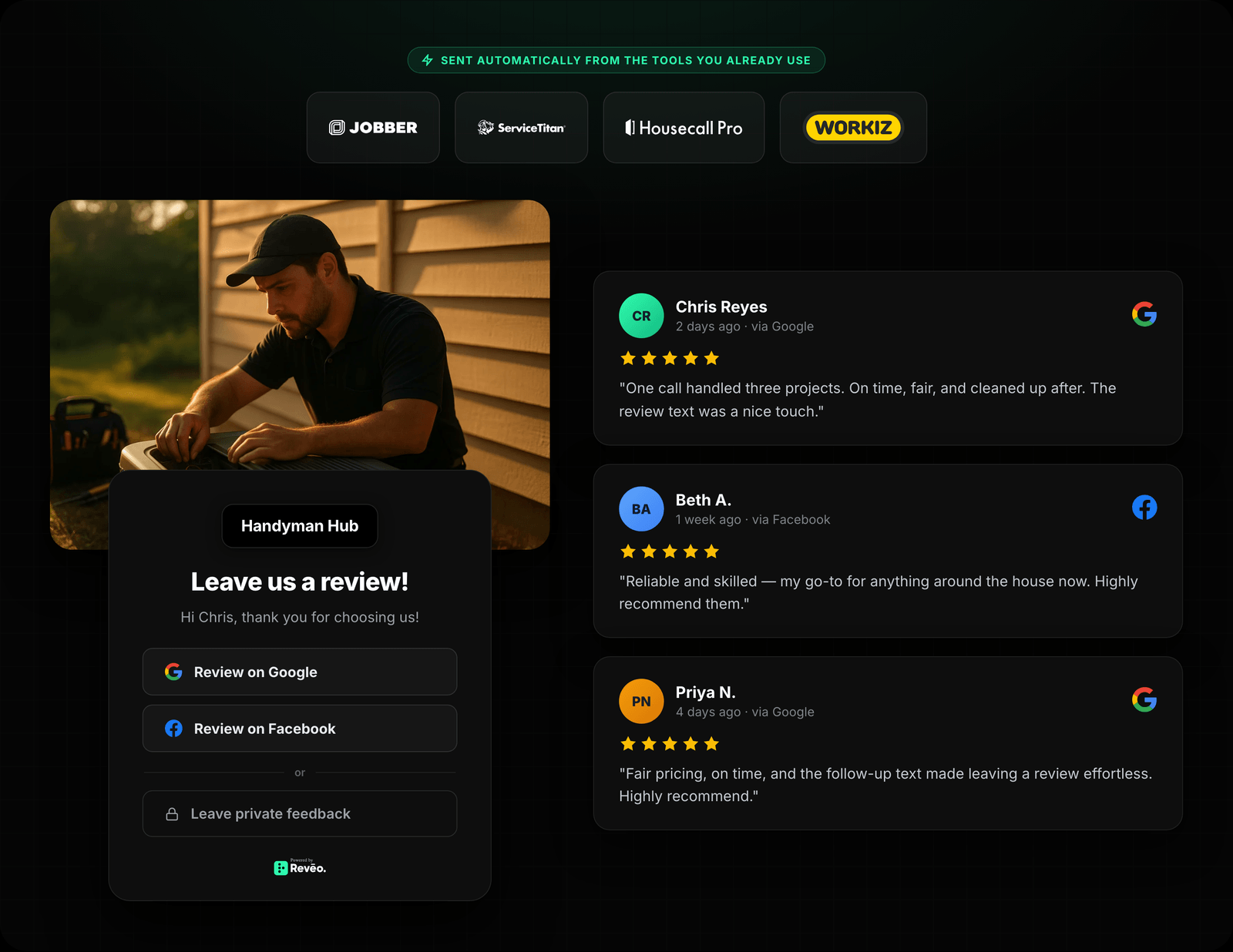
Hi Sarah, thanks for choosing Comfort Air HVAC. We'd love it if you left us a quick review — just tap below.
7 proven review request email templates for home service businesses. Copy the subject line and body, drop in your variables, and send — tested on post-service, commercial, and follow-up scenarios.
SMS gets the highest open rate in home services — but email still wins in three situations. If your customer base skews older, email feels less intrusive and lands in a spot they actually check. If you need more than two sentences — to reference a specific install, a warranty window, or a multi-year relationship — email gives you room without looking like spam. And if you serve commercial accounts (property managers, facilities directors, GCs), email is the channel their world runs on; a review ask by text reads as unprofessional.
The seven templates below are the ones we see win. Each is tuned for a specific moment in the customer lifecycle. Copy a template, swap the placeholders, send — or paste it into Reveo Campaigns and let the platform handle the timing, the merge tags, and the follow-up.
What makes a great review email
A great review email does four things: earns the open, gets to the point fast, gives one clear action, and looks right on a phone. Here’s how each one shows up in the templates below.
Subject line specificity beats cleverness
Put the customer’s first name and the service in the subject. “Quick favor, Mike?” gets opened. “We’d love your feedback!” gets deleted. Keep subject lines under 50 characters so nothing truncates on mobile.
Short body, one ask
Three to five sentences. Thank them, reference the job, ask for the review, link once. Every extra paragraph loses a percentage of clicks. The templates here are deliberately short — don’t pad them.
One clear CTA
One button, one link, one job. Don’t bury the review link in a PS. Don’t also ask them to book the next appointment in the same email. Every competing CTA cuts the review rate.
Mobile-friendly by default
Over 60% of your customers will open this on a phone. Keep paragraphs to two lines. Make the review link a large, thumb-sized button. Avoid attached images over 100KB. Plain-text versions of these templates convert nearly as well as HTML versions.
Variable placeholders
Every template below uses the same variable names. If you’re using Reveo Campaigns, these are the exact merge tags the platform replaces at send time. If you’re copying into another tool (Mailchimp, HubSpot, ActiveCampaign), swap the syntax to match your tool’s merge-tag format.
Customer’s first name. Never send without it.
Your business name as the sender — or, for multi-location, the specific location.
The technician who ran the job. Personalization lifts response rates noticeably.
The smart review link that routes to Google, Facebook, or a private path.
AC tune-up, furnace install, drain clearing, etc. Pulled from the work order.
The date of the job. Helps the customer remember exactly what you’re asking about.
The 7 templates

Click Copy on any template to copy the body to your clipboard. Swap the {placeholders} for real values — or paste straight into Reveo Campaigns and let the merge tags fire automatically.
When to use: 2–24 hours after a completed residential job. The workhorse ask — short, clear, three sentences.
Hi {first_name},

Thanks for choosing {business_name} for your {service_type} — {tech_name} said it was great working with you. If you have 30 seconds, would you mind leaving us a quick review? It genuinely helps our small team.

{review_link}

— The {business_name} team When to use: After a visible install or repair (new unit, new fixture, restored floor). Referencing the specific work lifts response rates.
Hi {first_name},

{tech_name} wrapped up your {service_type} on {service_date} and we wanted to check in — everything running the way you expected? If it is, and you have a minute, a quick review would mean a lot to us. We read every one.

Leave a review: {review_link}

If anything isn't right, just reply to this email and {tech_name} or I will take care of it.

Thanks,
The {business_name} team When to use: On the 1, 3, or 5-year anniversary of the first job. Multi-year customers have the most credible reviews to write.
Hi {first_name},

Hard to believe — you've been a {business_name} customer for a few years now, and I wanted to say thank you. Your trust is what keeps a small business like ours going.

If our work has held up for you, would you be willing to share that in a review? A few sentences from a long-time customer carries more weight than you'd think.

{review_link}

Appreciate you,
The {business_name} team When to use: After completing work for a property manager, facilities director, GC, or office manager. Tone shifts from warm to professional.
{first_name},

Thank you for the opportunity to complete the {service_type} on {service_date}. We appreciate the trust your team places in {business_name}, and we'd like to make sure the work met your standards.

If you're open to it, a brief public review would help us continue earning work from commercial accounts like yours. A paragraph or two about scheduling, communication, or the work itself is all we'd ask.

{review_link}

If anything needs follow-up, reply directly and I'll make sure it's handled.

Regards,
The {business_name} team When to use: 3–5 days after a free estimate or quote, even if not yet converted. Estimate reviews build trust with future leads comparing options.
Hi {first_name},

Thanks again for letting {tech_name} come out on {service_date} to look at your {service_type} project. Whether or not you move forward with us, we'd really appreciate it if you'd share how the estimate visit went.

A quick review about the scheduling, the walkthrough, or {tech_name}'s explanation helps other homeowners know what to expect when they reach out.

{review_link}

No pressure either way — and if you have questions about the quote, just reply and we'll get back to you.

— The {business_name} team When to use: 7 days after the first ask, only if no review has been posted. One reminder is plenty — more than that annoys.
Hi {first_name},

I sent a note last week and I know inboxes are busy — so no worries if you missed it. If you have 30 seconds and your {service_type} on {service_date} went well, a short review is the single most helpful thing you can do for a local business like ours.

{review_link}

And if something wasn't right, please tell me directly instead — I want to hear it.

Thanks,
The {business_name} team When to use: December through early January, to the full active customer list. Bundles gratitude with a soft review ask — performs surprisingly well.
Hi {first_name},

As the year wraps up, I wanted to send a quick thank-you from everyone at {business_name}. Customers like you are the reason we get to keep doing what we do — and it doesn't go unnoticed.

If {business_name} made your year a little easier, and you have a minute, sharing a review is the nicest end-of-year gift a small business can get.

{review_link}

Wishing you a great year ahead,
The {business_name} team
Stop copy-pasting. Automate it.
Reveo sends these automatically after every job — personalized, on-brand, and measurable. Book a demo to start your free trial.